
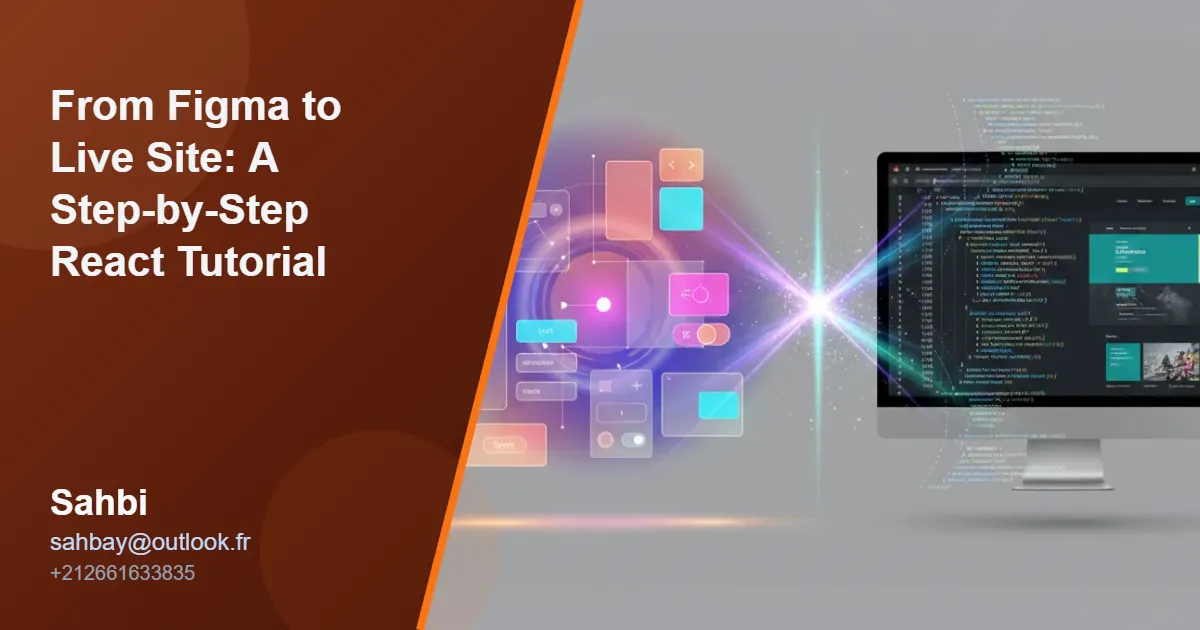
Translating a pixel-perfect Figma design into a fully functional web application can be a daunting task. This practical guide will bridge that gap, providing a step-by-step tutorial on how to efficiently convert Figma to React, creating a responsive and performant live site that will impress clients and enhance your full stack developer portfolio.
Step 1: Deconstructing Figma and Setting Up Your Project
Before writing a single line of code, the first step is a thorough analysis of the Figma design. Identify repeating elements like buttons, cards, and navigation bars—these will become your reusable React components. Pay close attention to the design system’s typography, color palette, and spacing rules. For this project, we’ll use Next.js for its powerful features and built-in server-side rendering, which is a cornerstone of effective Next.js SEO optimization. Initialize your project by running `npx create-next-app@latest` in your terminal. This foundational step is crucial for any custom website design and sets the stage for a clean, maintainable codebase.

Figma UI design next to a React/Next.js project file structure, illustrating component organization for converting Figma to React.
Step 2: Building Components with React and Tailwind CSS
With your project set up, it’s time to start building. Create a new file for each component you identified (e.g., `Button.js`, `Navbar.js`). Now, translate the design’s styling into code using Tailwind CSS. Instead of writing custom CSS, you’ll use Tailwind’s utility classes directly in your JSX. For example, a button in Figma with a blue background, white text, and padding can be replicated in React with classes like `bg-blue-500 text-white py-2 px-4 rounded`. This utility-first approach dramatically speeds up development, a vital skill for any freelance web developer, especially a freelance front-end developer for hire working on tight deadlines for a small business.

React user profile card component code with Tailwind CSS, demonstrating Figma to React UI development.
Step 3: Ensuring Responsiveness and Peak Performance
Modern web development demands a mobile-first approach. Tailwind CSS makes this straightforward with its responsive prefixes (`sm:`, `md:`, `lg:`). You can easily adjust layouts, font sizes, and spacing for different screen sizes directly within your HTML. However, a great-looking site is useless if it’s slow. This is where web performance optimization services come into play. Ensure you’re optimizing images, lazy-loading components, and leveraging Next.js features like static site generation. A true website speed expert knows that performance is non-negotiable, and it’s a key skill that companies look for when they hire freelance web developer talent.

Diagram illustrating responsive design breakpoints as a web page layout adapts for desktop, tablet, and mobile screens, key for Figma to React conversion.
Step 4: Deployment and Advancing Your Career
Once your application is built and tested, it’s time to go live. Deploying a Next.js application is incredibly simple with platforms like Vercel or Netlify, often taking just a few clicks. Mastering the entire Figma-to-live-site workflow is a powerful asset that can help you find freelance web developer jobs for beginners and establish a successful career. Whether you aim to be a JAMstack developer, a freelance WordPress developer, or a React developer freelance specialist in the UK, this skill set is in high demand. If you’re wondering how to become a freelance web developer, building and deploying projects like this is the perfect way to start.
Conclusion: Your Path from Design to Deployment
You’ve now walked through the essential steps to convert a Figma design into a live, responsive React application. This process combines design interpretation, component-based development, and performance optimization—core competencies for any modern web developer. By mastering this workflow, you not only create beautiful websites but also build a valuable skill set that clients and employers are actively seeking.
If you’re looking for an affordable freelance web developer or need professional SEO services for tech companies, the team at Sahbi can help. We specialize in turning complex designs into high-performance web applications. As a freelance SEO consultant and Next.js developer for hire, Sahbi offers the expertise to bring your vision to life. Contact us today at **sahbay@outlook.fr** or call **+212661633835** to discuss your next project.